Social posting
Blur faces, names, and QR codes before stories, reels, posts, or community uploads go live.
 FanStudio Apps
Get the app
FanStudio Apps
Get the app

Prepare media before it goes public.
Protect sensitive details before you share photos or videos. Blur faces, hide QR codes, redact anything else, and export a safer copy.
No uploads, no account, no tracking SDKs. Your media stays on your device until you decide to share it.
Free to download. Optional one-time upgrades.
Built for everyday sharing when private details should stay private.
Blur faces, names, and QR codes before stories, reels, posts, or community uploads go live.
Cover addresses, order numbers, plates, and account details before a screenshot leaves your phone.
Protect kids, bystanders, tickets, hotel details, and location metadata in photos or clips.
A quick flow from camera roll to safer export.
Start from your library and keep the original untouched.
Auto-detect faces and QR codes, then add manual coverage for plates, names, screens, or documents.
Strip metadata, optionally remove audio, and share the edited copy instead of the original file.
Detect, review, and export safe copies right on iPhone.
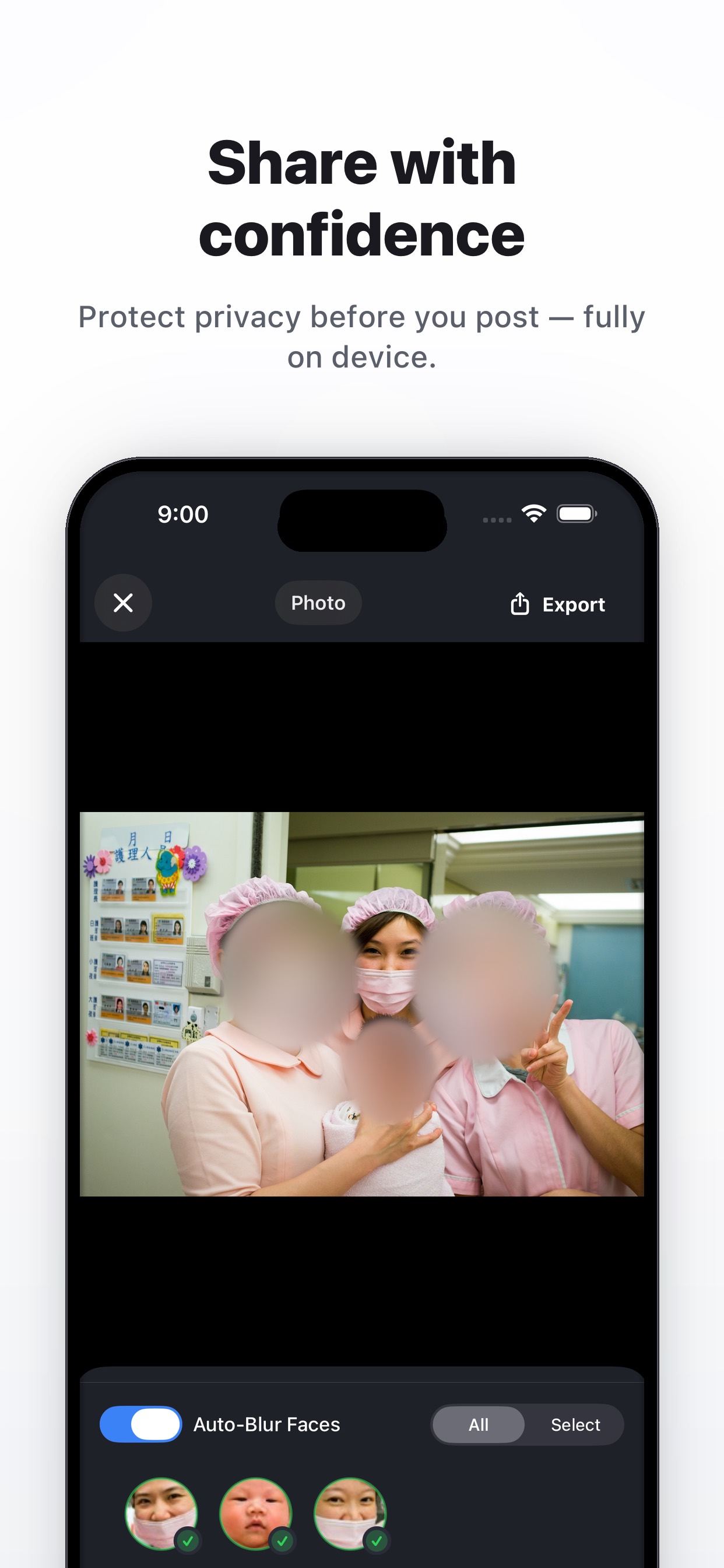
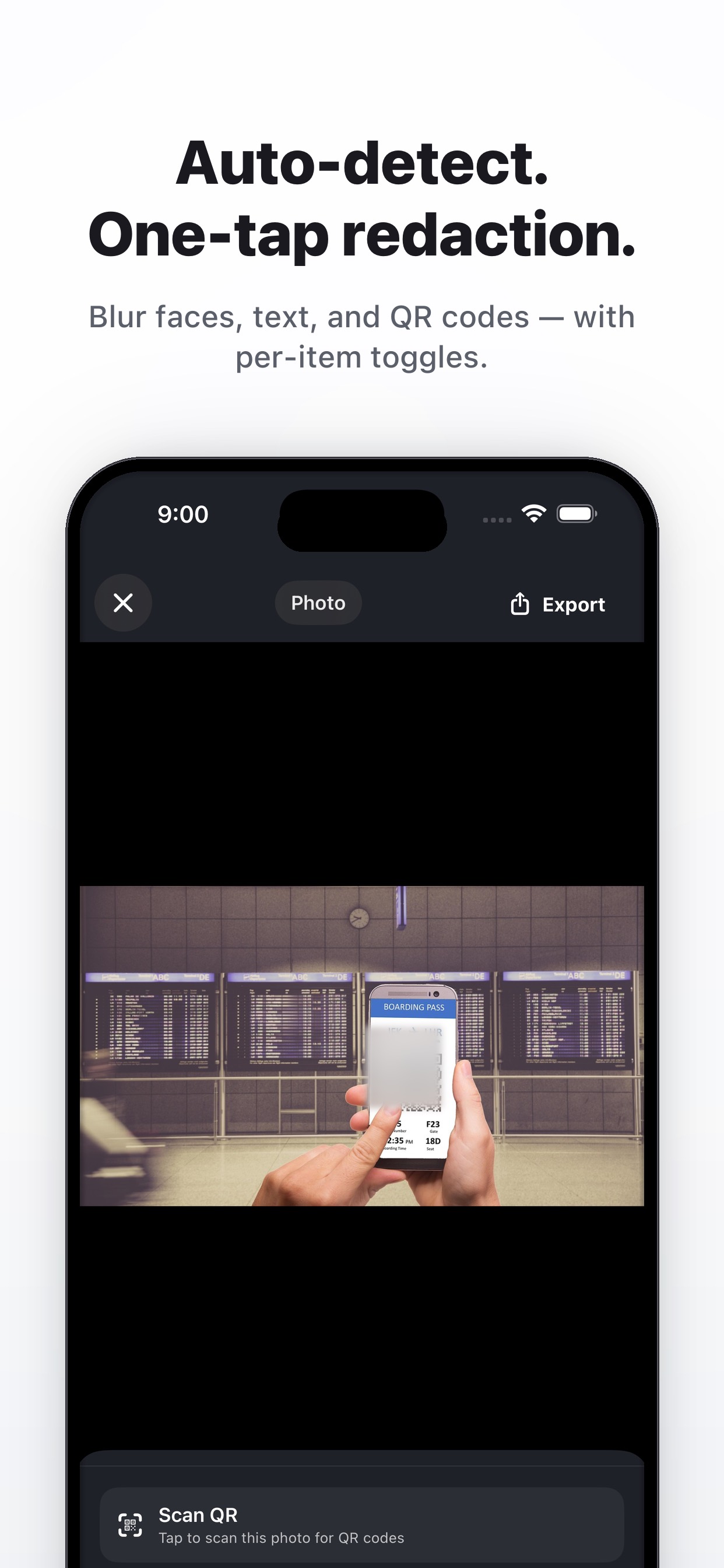
Focused controls for pre-share privacy, without sending media to a server.
Find faces fast and fine-tune the result before export.
Review moving subjects in clips and adjust tracking where needed.
Cover scannable codes before you post screenshots, tickets, or packaging photos.
Cover plates, addresses, names, documents, or screen details automatic detection should not decide for you.
Choose blur, pixelation, or solid masks depending on the media and how strong the cover should feel.
Remove EXIF details like GPS, device info, and capture time from the copy you share.
Share videos without background speech or ambient sound when silence is the safer default.
Use one workflow for images, short clips, screenshots, and quick social exports.
What the workflow keeps local, and what leaves your phone only when you choose.
Start free for core safe-sharing workflows, then upgrade only if heavier use needs it.
$0
One-time options
Exact pricing and feature availability are listed in the App Store.
Blur faces in photos or videos before posting family, travel, school, or event media.
Mask names, addresses, license plates, order numbers, tickets, and screens before sharing.
Detect and cover QR codes on tickets, packaging, screenshots, badges, and documents.
Strip metadata and export a safer file while keeping the original in your library.
No. Detection, masking, and export happen locally on your device.
Most people cover faces, names, addresses, license plates, QR codes, order numbers, and screenshots with account details.
Yes. It handles both, including face tracking for video and optional audio removal.
Yes. SafeToPost can export a metadata-safe copy so GPS, device, and capture-time details are not carried into the shared file.
No. Core workflows work without a subscription, and optional one-time upgrades are listed in the App Store.
No account · No uploads · Works offline